Faster workflows are valuable. But smarter workflows can change how your business operates.
Basic automation has already worked for enterprises to speed up repetitive tasks. RPA bots handle data entry. Rule-based automation fastens IT ticket routing.
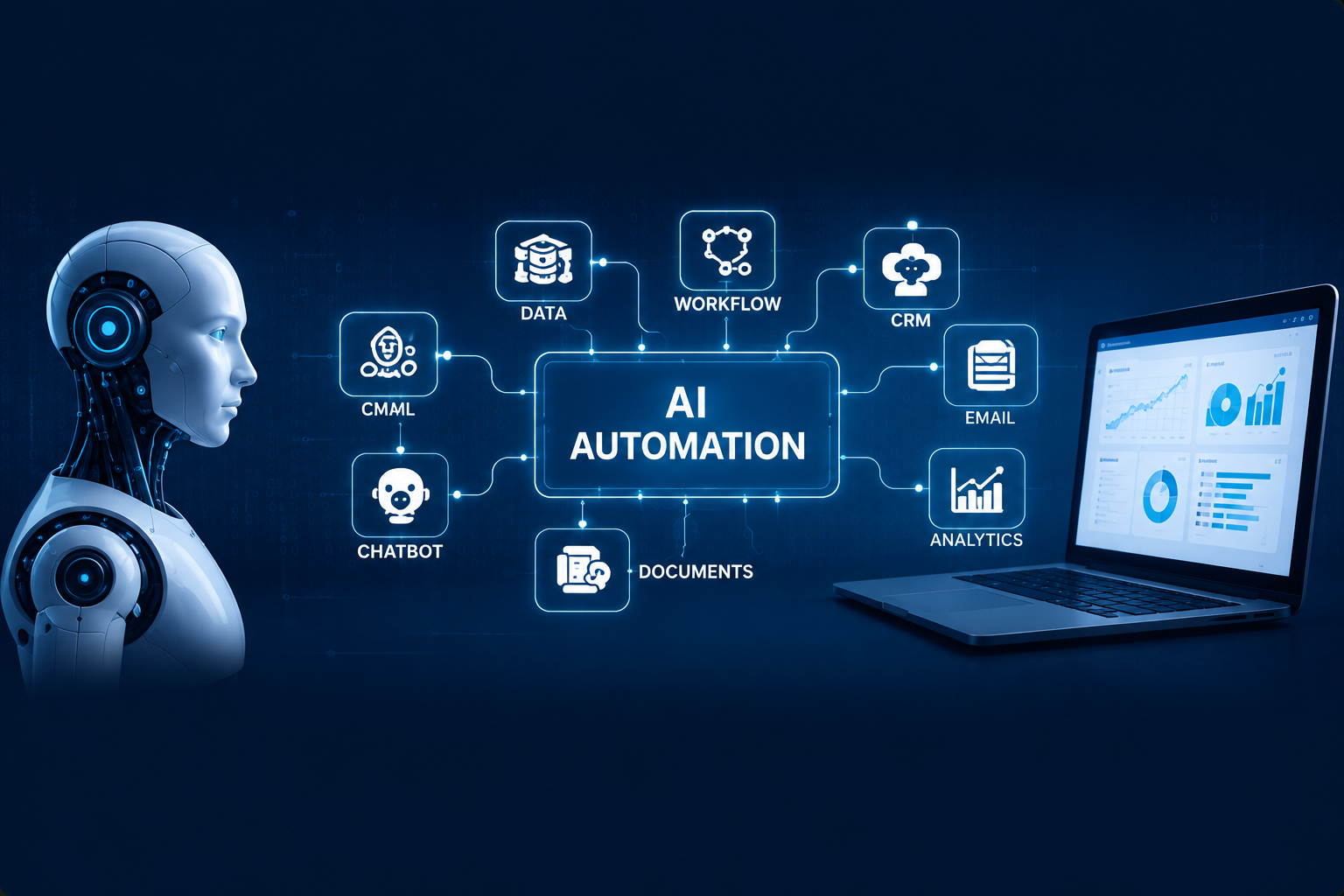
AI goes beyond that and automates the workflow in your business. It can interpret requests, extract relevant information, correlate relationships, and suggest areas of focus.
But what does that actually mean for a business? Where can AI take the labor out of labor? Where should companies devote processes? But how do they make operations better without complicating them?
It is important for leaders to understand ‘how this whole process of AI transforming workflows’ happens. Because it enables them to decide effectively. Not just this, they can avoid failed investments and boost business.
Why Are Enterprises in Need of ‘More Than Basic Automation’?
Basic automation works well for routine tasks. But it gets trickier when you have to pull information together from different systems to satisfy a request, whether that’s troubleshooting a customer issue or approving something outside a hard-and-fast rule
It’s a day-to-day issue. Teams have to review documents. Update files and verify customer interactions.
IDC research reveals that employees spend 36% of their time on administrative tasks.
Two common issues make it even harder:
Limited quality checks: With a contact center, your team will only have the capacity to manually find and quality check 1-2% of customer calls. This makes it more difficult to catch missed compliance, open complaints, and recurring service issues.
Late realizations: Your teams may take hours to produce reports. Perhaps your customers are already complaining more about their bills, or you have a repetitive delivery issue.
How Does AI Change the Daily Functions of Core Teams?
AI is changing the day-to-day things that teams are doing. So jobs that can take an hour of digging can be accelerated with less manual labor.
Here’s how the major business functions see it:
| The process | The traditional way | With AI |
| Quality assurance | Teams manually review a small sample of calls. | Automated QA checks all eligible interactions against set scorecards. |
| CRM updates | Reps write call notes and update records by hand. | AI constructs call summaries and updates CRM records using APIs. |
| Routing of requests | Teams depend on manual ticket routing and chatbots with a fixed answer set. | AI identifies customer intent and urgency to help route issues. |
| Reporting | Teams prepare reports and spreadsheets manually. | VoC analytics highlights common complaints and service gaps. |
How Is AI Changing Customer Support and Contact Centers?
Agents write notes on every call as a matter of course. QA teams also only hear a small percentage of calls. This can leave major problems unsolved.
AI takes teams to the next level. ASR (Automatic Speech Recognition) translates calls into text. Automated QA evaluates conversations with compliance scorecards. Live agent assistance gives agents helpful prompts during a call.
Teams can also use acoustic sentiment detection to pick up voice clues of customer frustration. Voice-of-Customer (VoC) analytics allows us to identify the source of recurring complaints and the reason behind them.
How Is AI Helping Sales Teams?
Sales reps spend a lot of time updating CRM records. Important details from customer calls can also get lost in manual notes.
Conversation intelligence picks up buyer pain, competitor mentions, and important talking points. Large Language Models (LLMs) turn these into structured call summaries. And then you can push the information into the CRM systems using APIs and webhooks.
Predictive Analytics can also flag changes in customer engagement. Sales teams get an early signal when a deal may need attention.
How Is AI Improving IT and Internal Compliance?
IT teams will assist with password resets, access to system software, and general help. Manual checks and approval queues slow down the process.
Tickets can be classified differently and recommended with resolutions and executed if REST APIs approve tickets. Role-based access control (RBAC) verifies that a soldier takes an action allowed for the worker. Humans could also manually accept sensitive trigger words.
Audit trails also include actions performed automatically. Helps IT and compliance teams track and manage work requests, approvals, and work done.
What Measurable Gains Can Businesses Expect from AI Workflows?
The automation of work at the enterprise can be used in AI workflows, with which companies can reduce their costs and improve the accuracy of all operations.
In McKinsey’s 2025 survey, 45% of respondents using gen AI in service operations reported lower costs; most reported reductions were below 10%.
Businesses will have three major advantages besides saving money:
- More visibility: AI is able to look at all the customer interactions, compliance reviews, etc., that have those characteristics versus sampling a few cases.
- Less work after calls: AI is able to reduce post-call work by clipping call summaries. The request to help can even be resolved by AI in seconds.
- Real-time keyword and intent detection: Detecting risks early means you can catch something early on, which can tip you off to compliance before it occurs.
How Can You Choose the Right AI Automation Software for Your Business?
So, if you decide to invest in AI automation software, be clear about three things.
| Tiers of Workflows | Best Fit | What CXOs Can Check |
| Tier 1: High Volume, Rule-based (Data Entry, Ticket Routing) | Instant speed and lower operating costs. | No-Code Integration to Existing Crm-Erc Stacks & Bidirectional APIs Built-In |
| Tier 2: High volume/high context (QA for all calls, compliance) | Lane scanning, operational risk avoidance. | Customized scorecarding, low transcription error rate, and domain-specific speech and NLP models. |
| Tier 3: High Stakes, Low Volume (VIP Escalations, Strategy) | Supporting the executive decision-makers. | Live calibration controls, human-in-the-loop escalation triggers, and context summaries. |
Are Your Everyday Workflows Built for Tomorrow’s Enterprise?
Old, reactive ways for automation are now not enough for today’s work conditions. From now onwards, business complexity will rise. Workflows will be more intertwined. Executive decisions will be harder to make.
If you hesitate to invest in AI to streamline workflows, legacy friction will cost you more than you think. Rethink how daily work gets done now—before old automation costs you your customers and your edge.